Connection and Setup
Connecting your HubSpot account to Vayu is extremely easy. Go to the Integrations tab and select the HubSpot panel. Click the blue Connect button.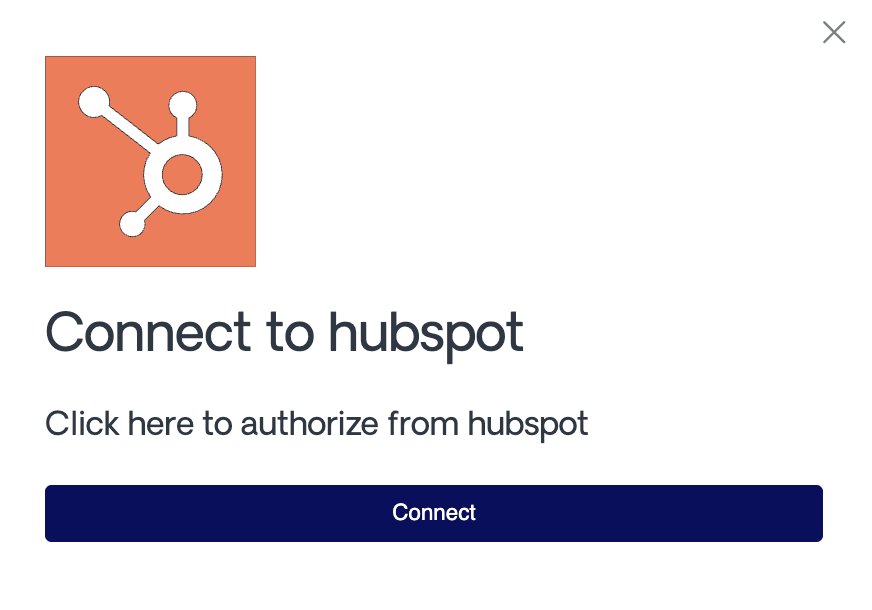
Configuration
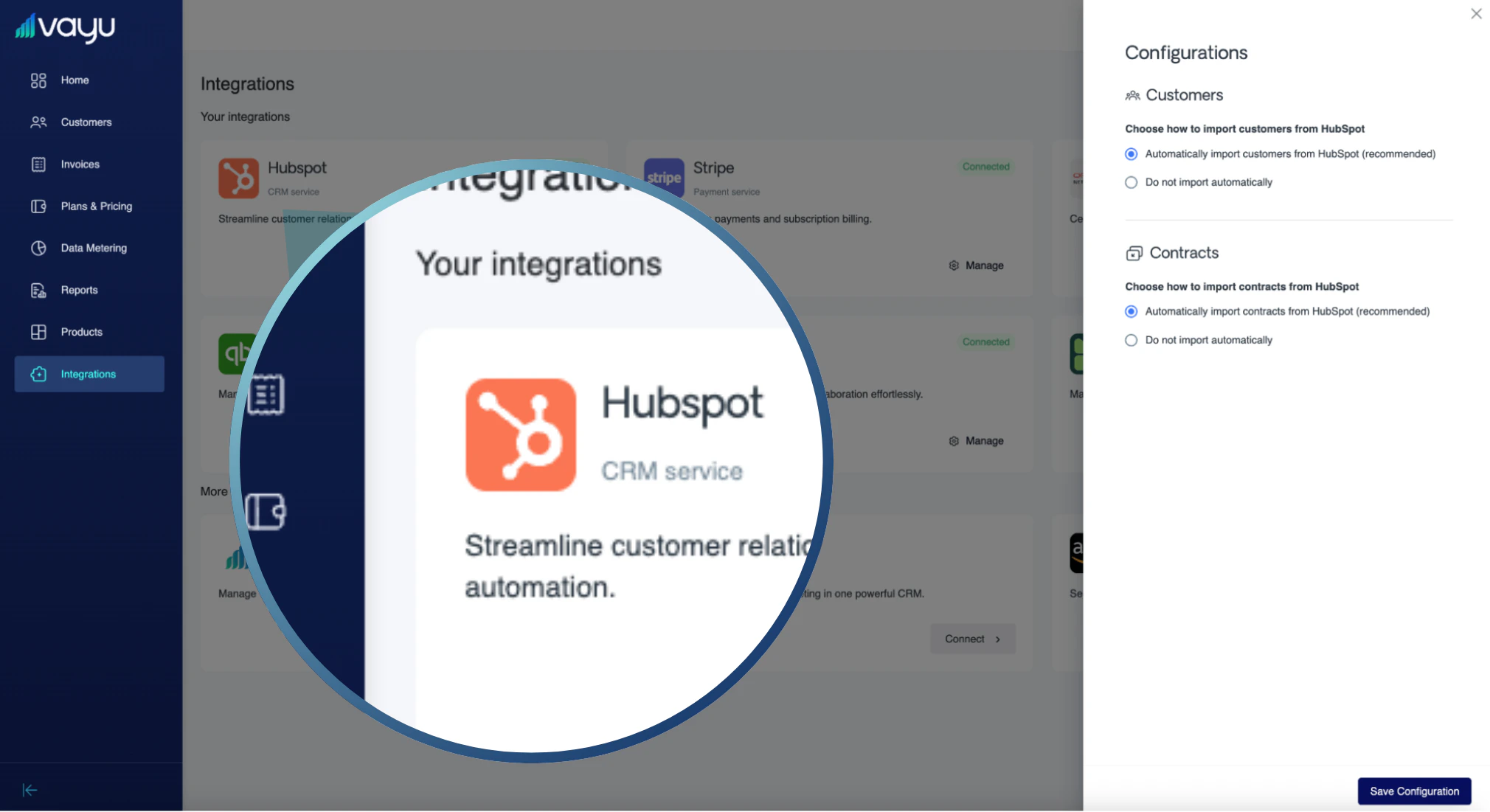
- Automatically import customers from HubSpot (recommended)
- Do not import automatically
- Automatically import contracts from HubSpot (recommended)
- Do not import automatically
Workflow
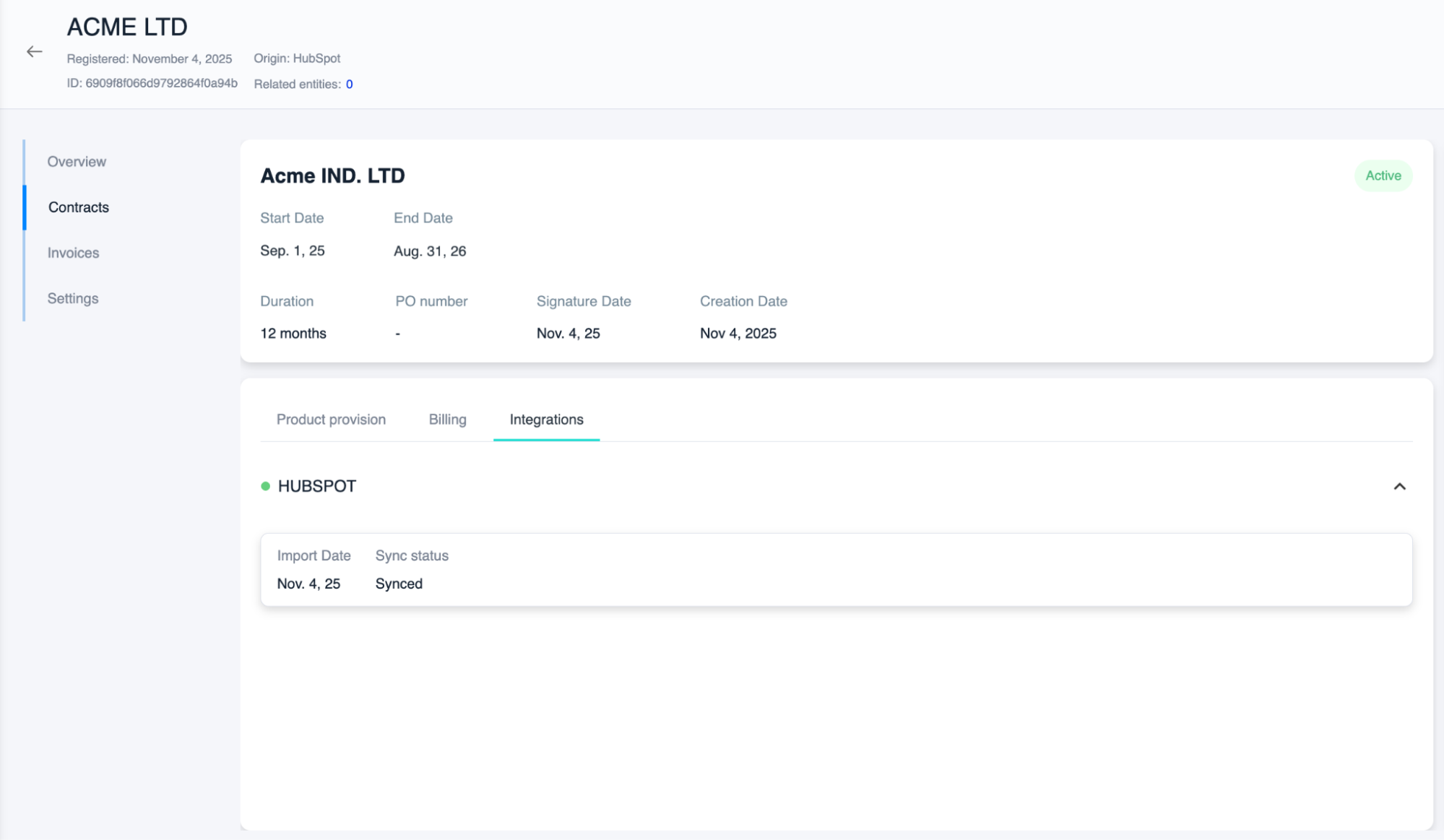
Once you have closed a deal in HubSpot, it will automatically be pulled to Vayu as a new contract that is available for review. To see this information, go to the individual customer’s profile. Note that you will be able to see the origin of a customer (and if it originates from a HubSpot sync).Activation Flow
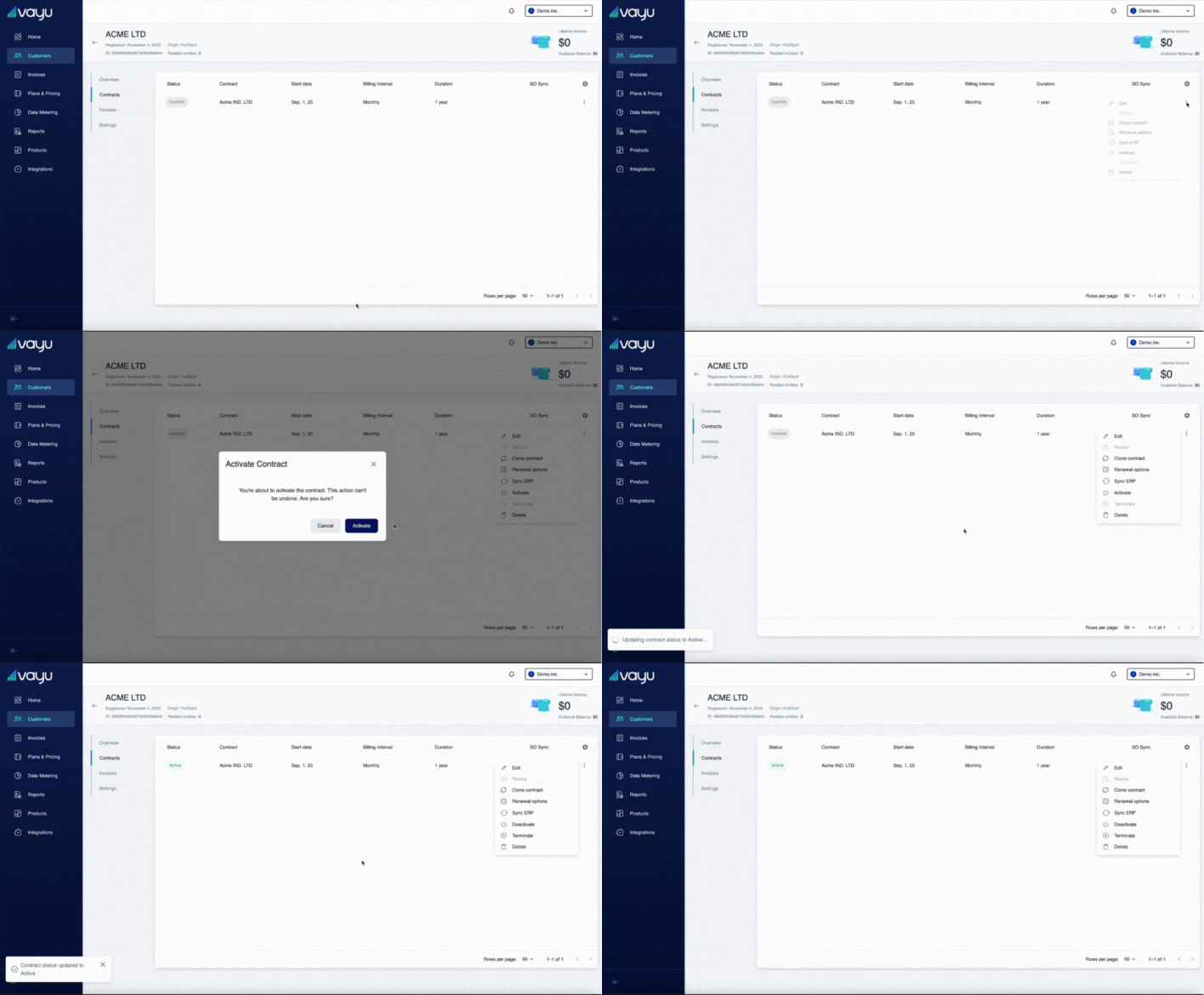
When the contract enters Vayu, it is by default in an inactive state. Once you 1) review and 2) activate the contract, it then creates invoices.