
Anrokintegration Vayu integrates with Anrok to support sales tax calculation and compliance for usage-based billing. Invoice and transaction data generated in Vayu are made available to Anrok to enable tax calculation, nexus tracking, reporting, and filing workflows, while compliance execution remains within Anrok. By connecting Anrok, tax is calculated automatically on invoices and line items based on product type and customer location, removing the need for manual tax handling and reducing the risk of compliance errors. This integration is designed to keep tax calculation accurate, consistent, and fully embedded in the invoicing workflow, without adding operational overhead.

Prerequisites

Here is a list of what you will need for the Vayu-Anrok integration to work:
  • Active Anrok account
  • Anrok API key created in Anrok
  • At least one pre-configured Anrok product with an assigned tax category
  • The Anrok product’s external product ID available for configuration

How the Integration Works

Once Anrok is connected, tax calculation becomes part of the standard invoice lifecycle in Vayu.  Anrok Integration Connected Invoices are created as usual, and tax is calculated automatically before they are finalized. When an invoice is approved, it is sent to Anrok as a transaction, ensuring the tax amount is properly recorded for compliance purposes. This process happens seamlessly in the background, allowing teams to focus on billing and revenue operations while tax logic is handled automatically.
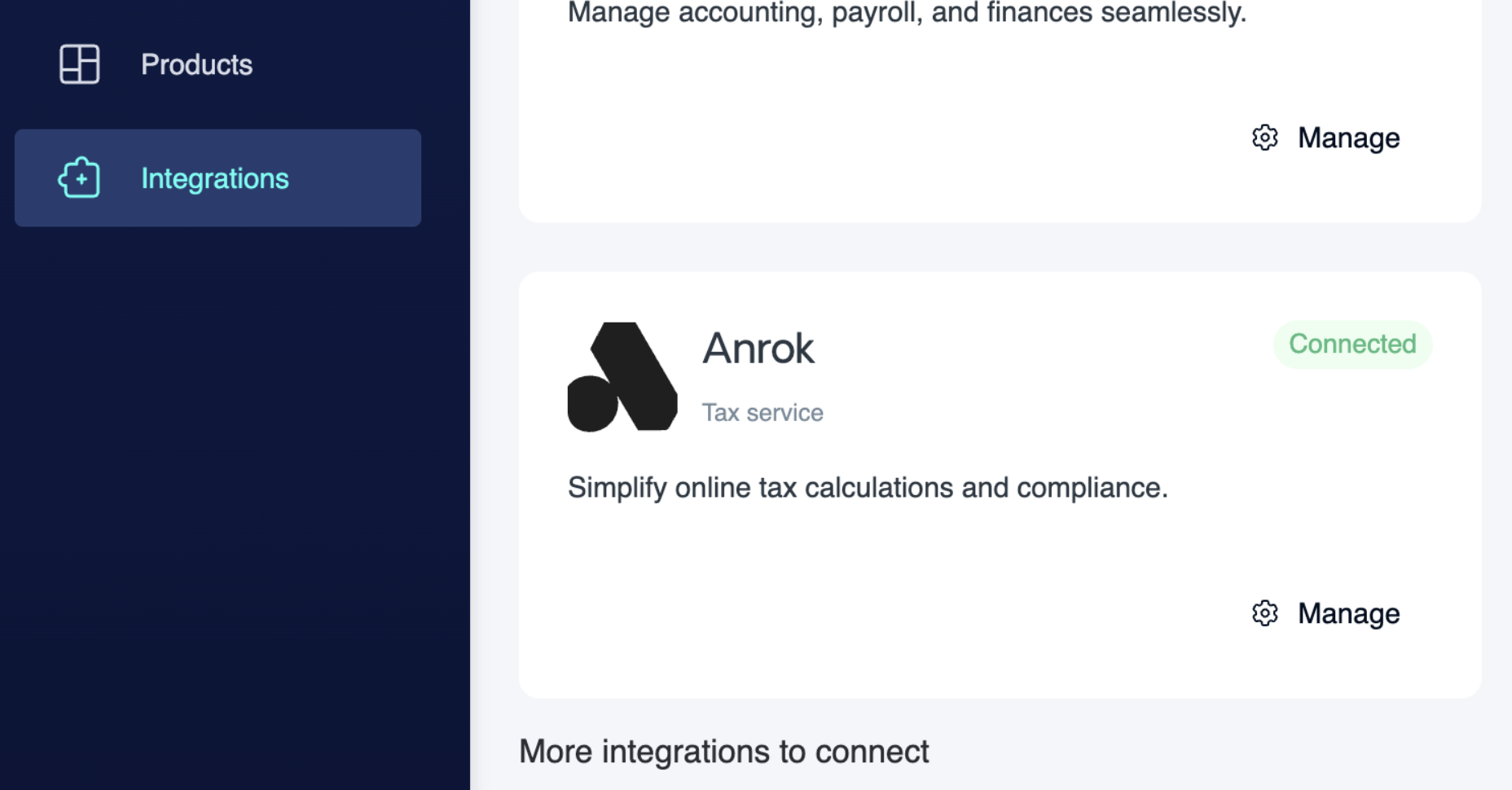
Tax Rate Options in Vayu

Vayu supports both manual and automated tax rate methods.  Vayu Tax Rate Options
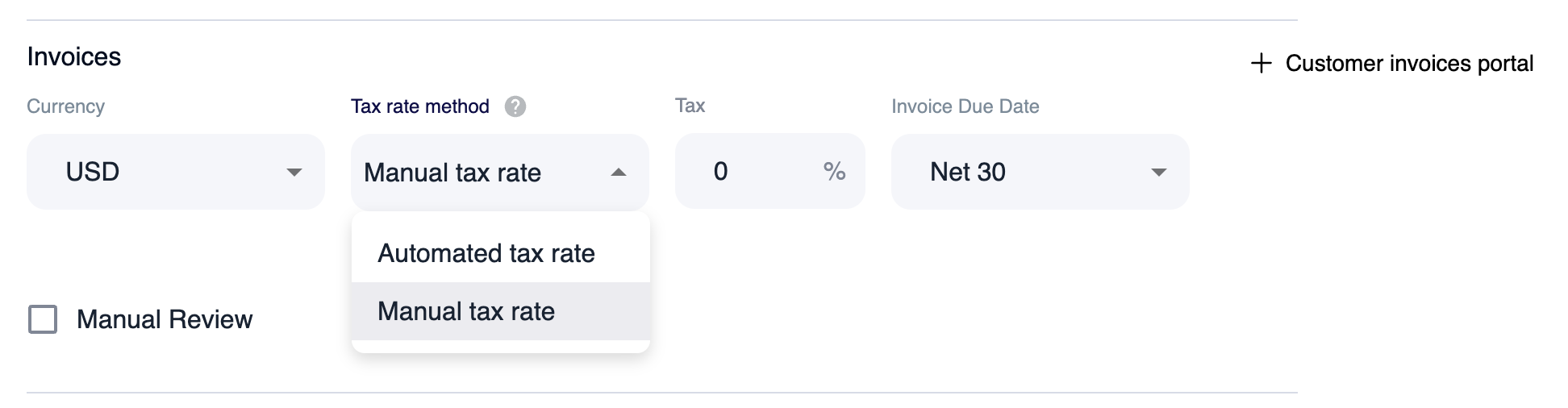
Automated Tax Rate

With the automated tax rate option, Vayu sends invoice data to Anrok, which calculates the correct tax dynamically. This method automatically adjusts as conditions change, such as customer location or product classification, and is the recommended approach when using the Anrok integration.

Manual Tax Rate

With a manual tax rate, a fixed tax percentage is applied. Even when the Anrok integration is connected, the automatic tax calculation can be overridden with the manual tax rate option.

Invoice Approval and Compliance

Tax is calculated while invoices are in draft; tax calculated through Anrok is finalized at the moment an invoice is approved. Once approved, the invoice is recorded in Anrok and treated as a filed transaction. At this point, the invoice is locked in Vayu and cannot be modified. This approval-based locking ensures consistency between billing records and tax filings, helping maintain compliance across systems.

Downstream Billing and Sync

After tax is added, invoices can continue through existing workflows. Tax-inclusive invoices may be sent directly to customers and synced to connected ERP systems, depending on the organization’s setup.