> ## Documentation Index
> Fetch the complete documentation index at: https://guide.withvayu.com/llms.txt
> Use this file to discover all available pages before exploring further.
# Related Entities
> Create a hierarchy between entities and associate child entities
It is possible to create a hierarchy between entities and associate "child" entities with a parent account. This provides a high level of customization, allowing you to either issue invoices to each entity separately, or aggregate the charges to the main parent account.
* In the main menu bar, click **Customers** and select the customer (parent) you wish to edit
* Go to the **Settings** tab and scroll down to find the **Advanced** section
* Click the **+ Add related entity** in the bottom corner of the section. A window will appear. Once there, select the customer you wish to add. (You can add an **unlimited number of entities**).

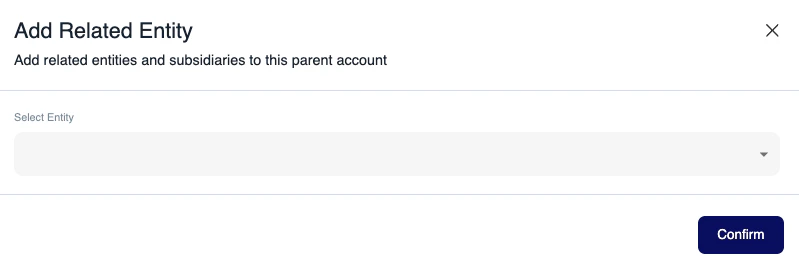 Once done, make sure to **Confirm**.